
Skip to content
+90 505 506 38 10 WhatsApp
← Back to the Academy
Real estate guide

Complete Guide to Digital Infrastructure, Communications and Smart Systems

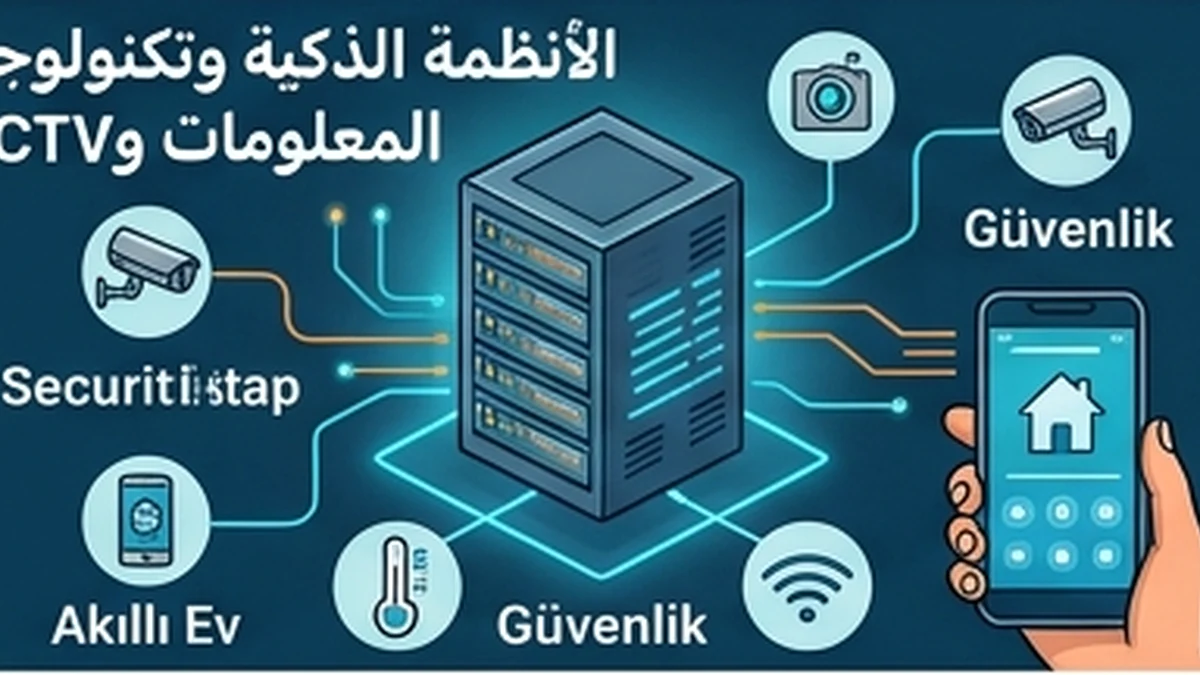
This guide covers digital infrastructure, smart systems and CCTV for residential and commercial properties: communications verification, software-risk assessment, closing-day testing, transfer of administrative access and organized archiving of warranties, security protocols and maintenance records.
5 knowledge topics
Complete Guide to Digital Infrastructure, Communications and Smart Systems
Digital infrastructure and smart systems: property acquisition and handover checklist 1. Inventory the installed systems before valuing them. Record the internet service connection, structured cabling, network cabinets, Wi-Fi access points, intercom, access control, CCTV, fire-system interfaces, building automation, meters and any cloud-managed equipment. Note the manufacturer, model, location, serial number, software version, warranty status and responsible operator for each component. 2. Separate ownership from access. Confirm which devices, software licenses, service subscriptions and recorded data are legally transferred with the property. Ask for written evidence of ownership and transferable licenses. A working screen during a viewing does not establish that the buyer will receive administrative rights or an ongoing cloud service. 3. Inspect connectivity and capacity. Test actual internet service, signal coverage in relevant rooms, cabling labels, power and backup power, network segmentation and any single points of failure. Compare documented network diagrams with the installed equipment. Engage an appropriately qualified technician where testing could affect building operations. 4. Review security and privacy. Identify default or shared passwords, remote access, inactive user accounts, unsupported firmware, publicly exposed devices and the retention and access policy for camera footage. Arrange an authorized change of credentials and removal of former users at handover. Follow applicable privacy rules and avoid copying or accessing third-party recordings without authorization. 5. Test functions against a written acceptance checklist. Verify intercom calling, door-release permissions, camera coverage and recording, alarm notifications, network failover and integration between building controls. Record each test, defect, responsible party and agreed remedy. Never bypass fire or life-safety controls merely to demonstrate a smart feature. 6. Plan the operational budget. Distinguish one-time replacement and commissioning costs from recurring connectivity, software, cloud storage, cybersecurity support, maintenance and equipment renewal. Assess vendor dependence and what happens if subscriptions expire or the internet connection fails. 7. Complete handover with an asset register, network diagram, configuration backups where authorized, administrator-account transfer, service contracts, warranty documents, incident procedures and a maintenance calendar. Confirm that the seller's remote access has been revoked and that the buyer can operate essential systems independently. This is an operational due-diligence framework, not a certification of compliance or a substitute for specialist security, engineering or legal review.

JUANA Real Estate Editorial Team

Last reviewed: 2026-08-27

Content is reviewed against official and primary sources and updated when rules or information change.

Official review sources

Frequently Asked Questions

How are smart-system permissions transferred?
Through a technical closing-day handover and transfer of accounts and permissions.
What is the risk of unlicensed CCTV?
It may lead to regulatory violations or penalties.

Topics in this guide

Information Technology and Smart Infrastructure Records Risk Review

Information Technology and Smart Infrastructure Records Risk Review

A risk review of information-technology and smart-infrastructure records is intended to identify weaknesses that may be hidden by apparently complete paperwork. The review considers whether the records are current, authentic, internally consistent and aligned with the actual property or service. It also asks whether missing or inaccurate information could create legal, financial, safety or operating costs for the buyer.

Read topic →
Smart Systems and CCTV Records Verification Guide

Smart Systems and CCTV Records Verification Guide

Verification of smart-system and security-surveillance records is a core due-diligence step. It helps the buyer compare the documents presented in the transaction with current official information and the actual condition of the property. The review should focus on authenticity, validity, scope, dates, responsible parties and any material inconsistency that could affect use, transfer, cost or future resale.

Read topic →
Smart Systems and CCTV Records Risk Review

Smart Systems and CCTV Records Risk Review

A risk review of smart-system and security-surveillance records is intended to identify weaknesses that may be hidden by apparently complete paperwork. The review considers whether the records are current, authentic, internally consistent and aligned with the actual property or service. It also asks whether missing or inaccurate information could create legal, financial, safety or operating costs for the buyer.

Read topic →
Smart Systems and CCTV Records Decision Framework

Smart Systems and CCTV Records Decision Framework

The decision framework for smart-system and security-surveillance records converts document review into a controlled transaction decision. It is designed to prevent a buyer from proceeding merely because a document exists; the document must also be current, relevant, consistent and sufficiently verified.

Read topic →

Smart Systems and CCTV Records Closing Day Check

Smart Systems and CCTV Records Closing Day Check

Closing-day review of smart systems and CCTV should be an operational test and a transfer of control, not a visual check of camera feeds. Review cameras registered to the system, retention period, administrator accounts, controllers, backups and integration with gates or alarms. Revoke former users,

Read topic →
JUANA Intelligent Site AgentKnows JUANA public sections, pages and content
Would you like an advisor to contact you?
The agent searches public site content only. Chat and browsing data may be stored to improve service and connect your request with the sales team. Private admin/client data is never exposed.